
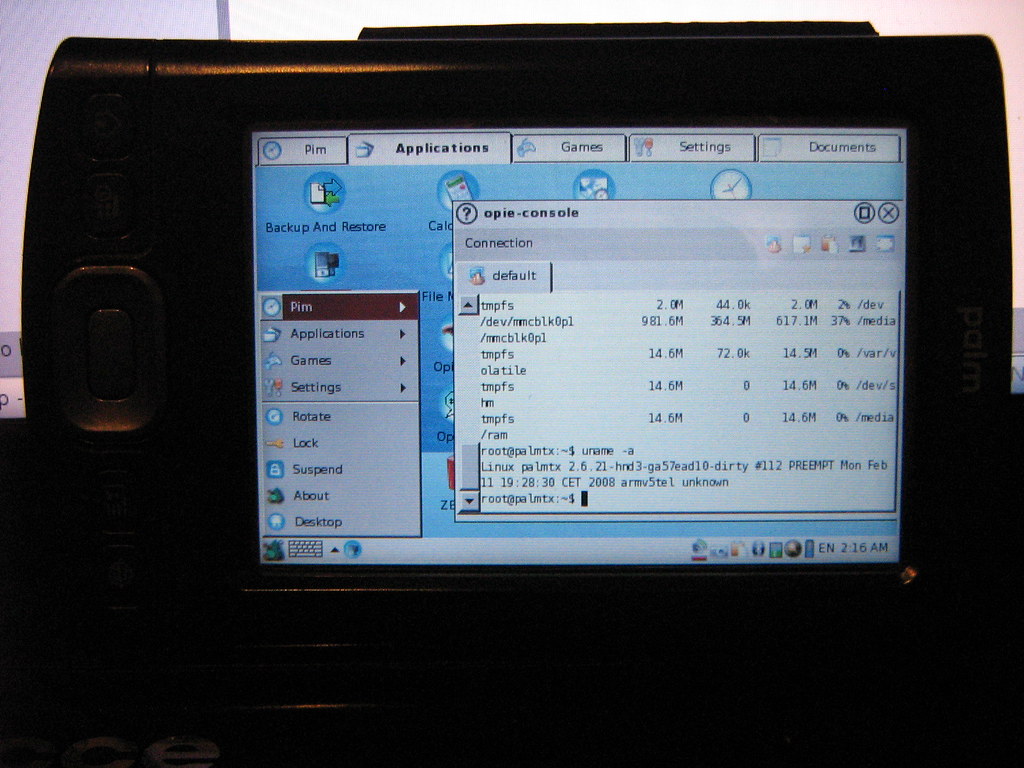

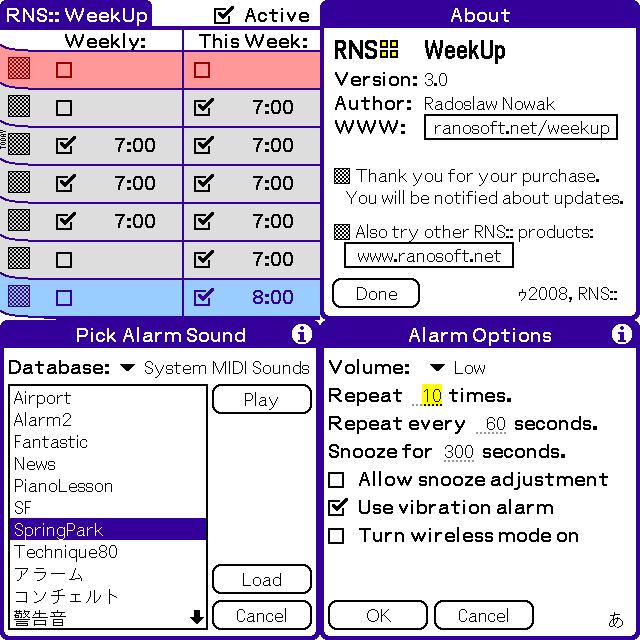
pssh SSH 2 client for Palm OS 5
pssh is a free, open-source SSH 2 client for Palm OS 5.
Features
-SSH 2 protocol using 3DES or AES-128 ciphers
-Fast authentication and encryption using ARM-native code
-Support ...

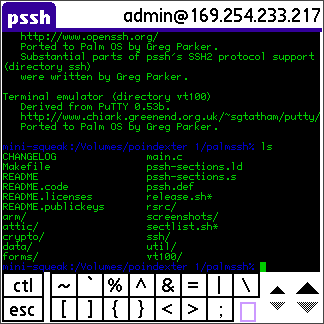
pssh SSH 2 client for Palm OS 5
pssh is a free, open-source SSH 2 client for Palm OS 5.
Features
-SSH 2 protocol using 3DES or AES-128 ciphers
-Fast authentication and encryption using ARM-native code
-Support ...

The officially licensed Palm OS version of the 1979 shoot-em-up arcade game Galaxian. Shoot down waves of invading aliens while avoiding their counterattacks. Not to be confused with Galax, an unlicensed ...

A collection of manuals for the Alphasmart Dana, including the Getting Started Guide, the full User Guide, and supplementary guides for the Dana Wireless and the v1.5 system update.
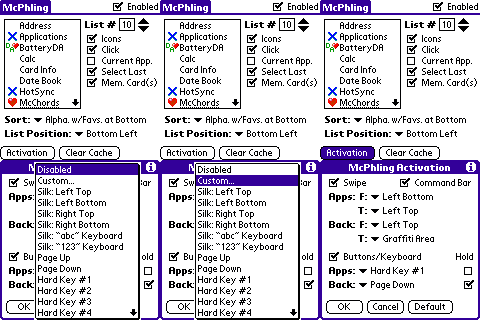
McPhling allows you to quickly switch from your current application to the previous one by simply swiping your pen from the silkscreen “Apps” button into the upper-left graffiti area. In addition, a swipe from the “Menu” button to the ...
Palm OS software compilation from unknown origins, received on burned CD. Dated Nov 2000.
Listed software categories include: Travel, Religion, Reference, Documents, Communication, Accounting, Calculators, Educations, Application, ...
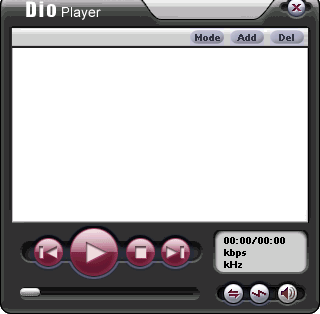
DioPlayer for Palm OS is a FREE player for MP3 and WAV files, with an attractive and convenient user interface. Great basic alternative to Real Player, AeroPlayer, Pocket Tunes or MMPlayer.
In addition to the basic media player controls, ...
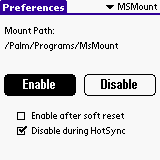
MSMount allows you to access Palm applications and databases that are on the Memory Stick or SD card as if they are on the internal storage. With MSMount, an application that does not support VFS can access the Memory Stick or SD card. You can also ...

This program was developed for the Heat Treat technician/engineer/metalurgist. This program will work on all Palm OS 3.0 and above. You must install all of the programs contained in the Zip file. I am planning on updates in the useability of the ...
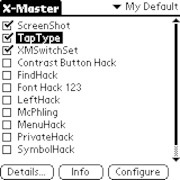
X-Master 1.4
X-Master manages PalmOS system extensions (aka Hacks)
HackMaster, developed by Edward Keyes in 1997, has been the de-facto standard for managing Palm OS system extensions that patch system traps (so-called ...
 |
Visit lite.palmdb.net to download files straight to your web-enabled PDA! |