
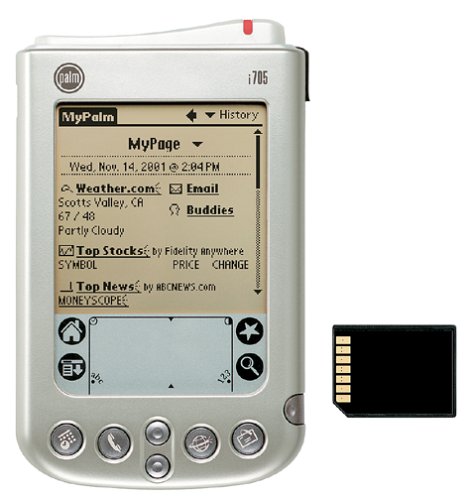
The Palm i705 handheld software update will enhance the performance of your radio and battery. It is necessary if you are using AOL’s Instant Messaging product.
(Posted July 23, 2002)
System Requirements
Palm i705 handheld PC running Windows 95/98/NT 4.0/2000/Me/XP
-OR-
Mac OS 8.6 to 9.x One available USB port
Installation Instructions
Installation Instructions for the Palm i705 Update version 2.0:
- Download updatei705v_2.zip (44 KB)
- Extract the file using a standard unzip utility. Note the location of the directory/folder the file is extracted to.
- Launch Palm Desktop. Select the Install Tool icon.
- Select the correct user name from the User list.
- Select the Add button.
- Locate the i705_Patch1_0.prc file in the directory/folder noted in Step 1 above and double-click on it.
- Select Done.
- Select OK.
- Perform a HotSync operation for your handheld.
- Follow the instructions to complete the Palm i705 Update version 2.0.
Compatibility
| Device: | All |
| OS: | 4.0 |
Download
| Version | File | Size |
|---|---|---|
| 2.0 update | updatei705v_2.zip | 44K |








comments