

FuelLog a native fuel log for the Palm T|X (and other 68K Palms)
Proudly made in 🇨🇦 Canada!
I have been replacing the paper fuel log that lived in my friends glovebox with a Palm OS app, and it is at the release-candidate stage. FuelLog is a new native Palm OS 5 app, written in C against the 5r3 SDK with prc-tools, pure 68K, GPLv3, and built on a Mac in 2026.
What it does
- Fills and charges for several vehicles, including hybrids and EVs (kWh and price per kWh). Type any two of volume, price and total and it fills in the third. Economy shows as MPG or km/L on the list, L/100 km in Stats. Six currencies (USD, CAD, EUR, AUD, NZD, GBP) with built-in exchange rates you can override.
- Loyalty points: programmes like PC Optimum or Petro-Points, with earn rates, redemptions, balances, what the points are worth, and a warning when a lot is about to expire. A new fill starts with the programmes that match how you paid and the currency you paid in.
- Service reminders: oil changes, tires, inspections, whatever you track, by distance or by months, with a projected due date from your driving pace, an alarm that survives a reset, a "Service!" banner on the main list, and a history of every visit with the gaps you actually reached.
- Stats, reports and graphs: per vehicle or fleet-wide, by month, year or a custom range, with price, economy and spend graphs drawn at 320x320 on the T|X.
- SD card export to CSV, XLSX (opens in Excel and Numbers) and PDF, with a programme filter; import from CSV, XLSX and old-style XLS, with a preview that resolves vehicles and programmes before anything is written.
- Backups to the card with restore, beaming of the log or an export to another Palm over IR or Bluetooth, and sync between two Palms (see below).
- DateFix aware: on a Palm running DateFix, or with its clock set back 28 years by hand, FuelLog works in real dates, so fills, backups and exports read the same on every Palm and on your computer.
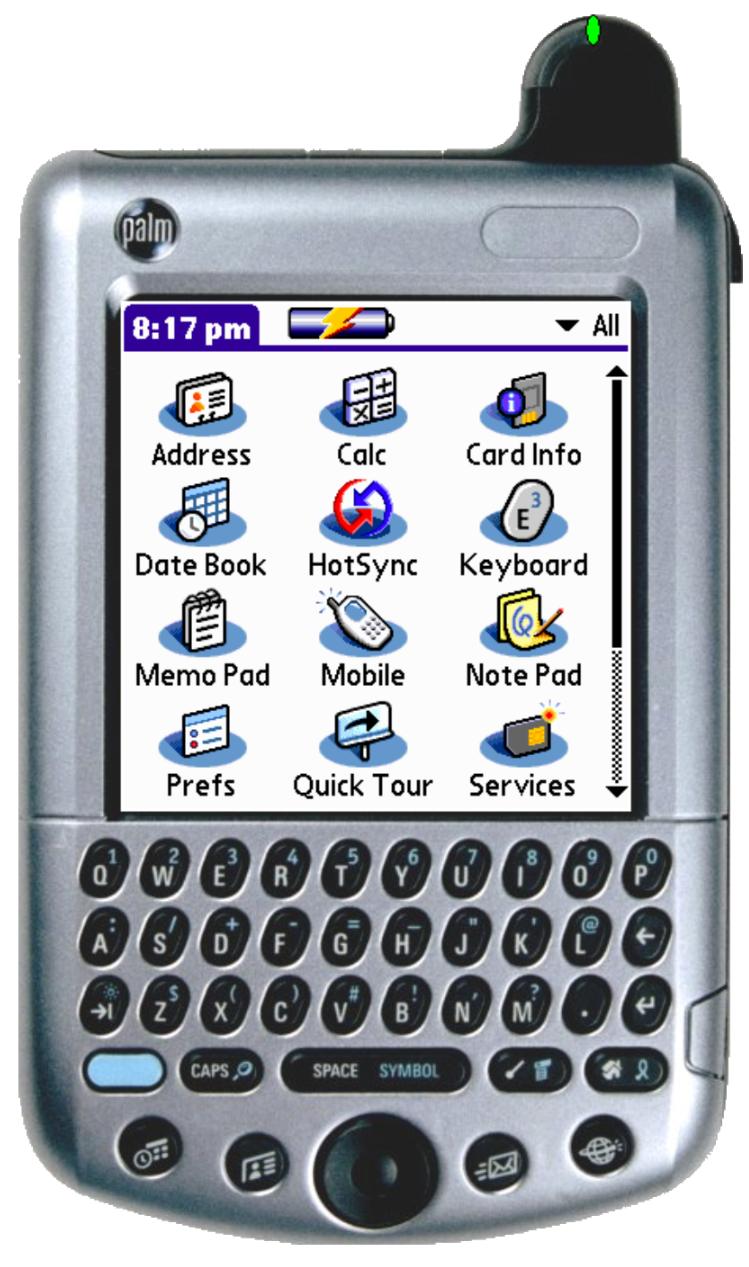
- Fits the T|X screen with the input area open or closed; the 5-way moves a highlight on the lists and centre opens the row.
Application updates
rc9: Sync between two Palms, and the fixes since rc6
Sync (rc6) makes two Palms hold the same log. On the Export form, tap Sync and choose Other Palm (Beam or Bluetooth) or SD card. The other Palm applies what arrived, shows "N added, M updated, K deleted", and offers to send its own changes straight back. New fills, edits and deletions all travel, in both directions; when the same record was edited on both, the newer edit wins. Vehicles, programmes and service types are matched by name the first time and by identity after that. The older Log with Merge or Replace is still there for seeding a Palm that has never synced.
Since rc6:
- rc7: the Total and MPG headings on the fill list no longer run together (reported by a LifeDrive user, thank you); a Log with Merge between two Palms that have synced no longer duplicates an edited fill.
- rc8: the price label fits beside its field with US or Imperial gallons.
- rc9: auto-apply adds only the programmes in the fill's currency; every record now carries the clock shift its date was saved under, so a restore or sync between a DateFix Palm and a normal one never moves a real date.
Upgrade rule: put rc9 on every Palm you sync before syncing, and do not restore a backup made by rc6 or later onto an older build. Backups and beams from older builds into rc9 are fine.
Requirements
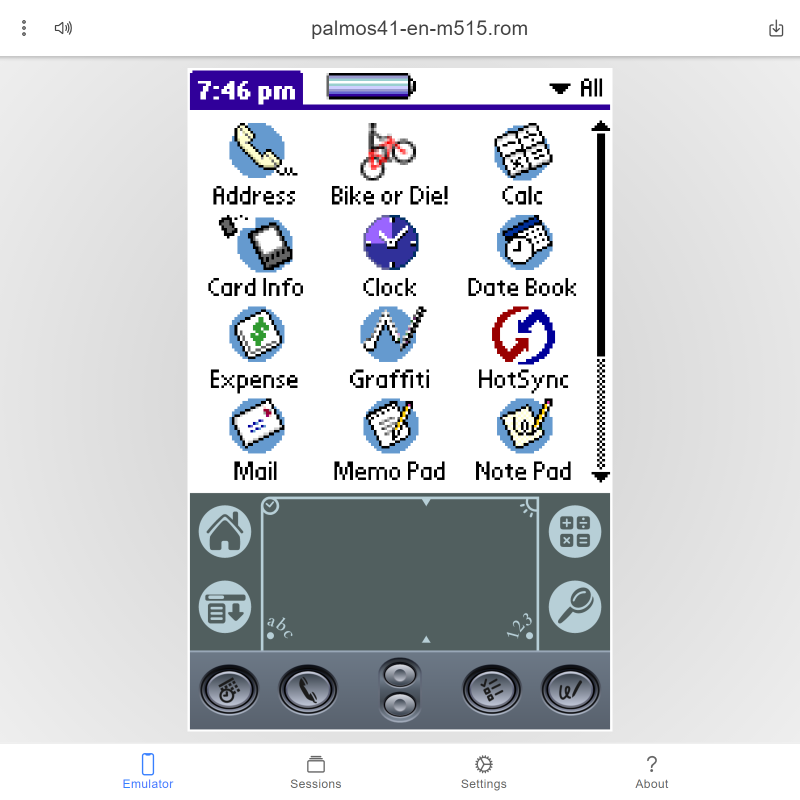
Palm OS 5 with an SD card for export, import and backups; 68K code, so older Palms and CloudpilotEmu should run it too (not yet tried). Tested on a Palm T|X and a LifeDrive, including Sync between the two over IR, Bluetooth and the card.
Installing
Copy FuelLog-1.0rc9.prc to /PALM/Launcher/ on the card and tap it in the Launcher's card view, or install it with pilot-xfer -i or your usual HotSync route. First launch walks you through a vehicle, your units and currency. Upgrading from an earlier release candidate keeps your records and settings.
If the Launcher's card view shows FuelLog twice and one of them says "Can't Copy", that entry is a damaged .prc left in /PALM/Launcher; delete it and keep the one with the red pump icon.
For the curious
The build runs GCC 2.95.3 inside a Docker image because prc-tools will not build natively on Apple Silicon. The code is split into twelve 32 KB code sections, the data segment is at its 32 KB limit, int is 16 bits, and PilRC 3.2 turned out to misread every BMP header on a 64-bit host, which is why the launcher icon is written by a Python script. Sync fits into schema version 1 by putting each record's identity and timestamps in a trailer that older builds never read. Notes on all of that, including a guide to DateFix and the 2031 clock problem for anyone writing a Palm app today, are in the repository's docs/ folder.
Links
Download from Github: https://github.com/lasergirl-ca/palm-fuellog/releases/
Source: https://github.com/lasergirl-ca/palm-fuellog
Credits: Zoë Leto and Andrew Culwell. Licence: GNU GPLv3.
Compatibility
| Device: | |
| OS: | 5.05.4 |
Download
| Version | File | Size |
|---|---|---|
| 1.0rc9 | FuelLog-1.0rc9.prc | |
| 1.0rc6 | FuelLog-1.0rc6.prc | |
| 1.0rc5 | FuelLog-1.0rc5.prc | |
| 1.0rc4 | FuelLog-1.0rc4.prc |









comments