
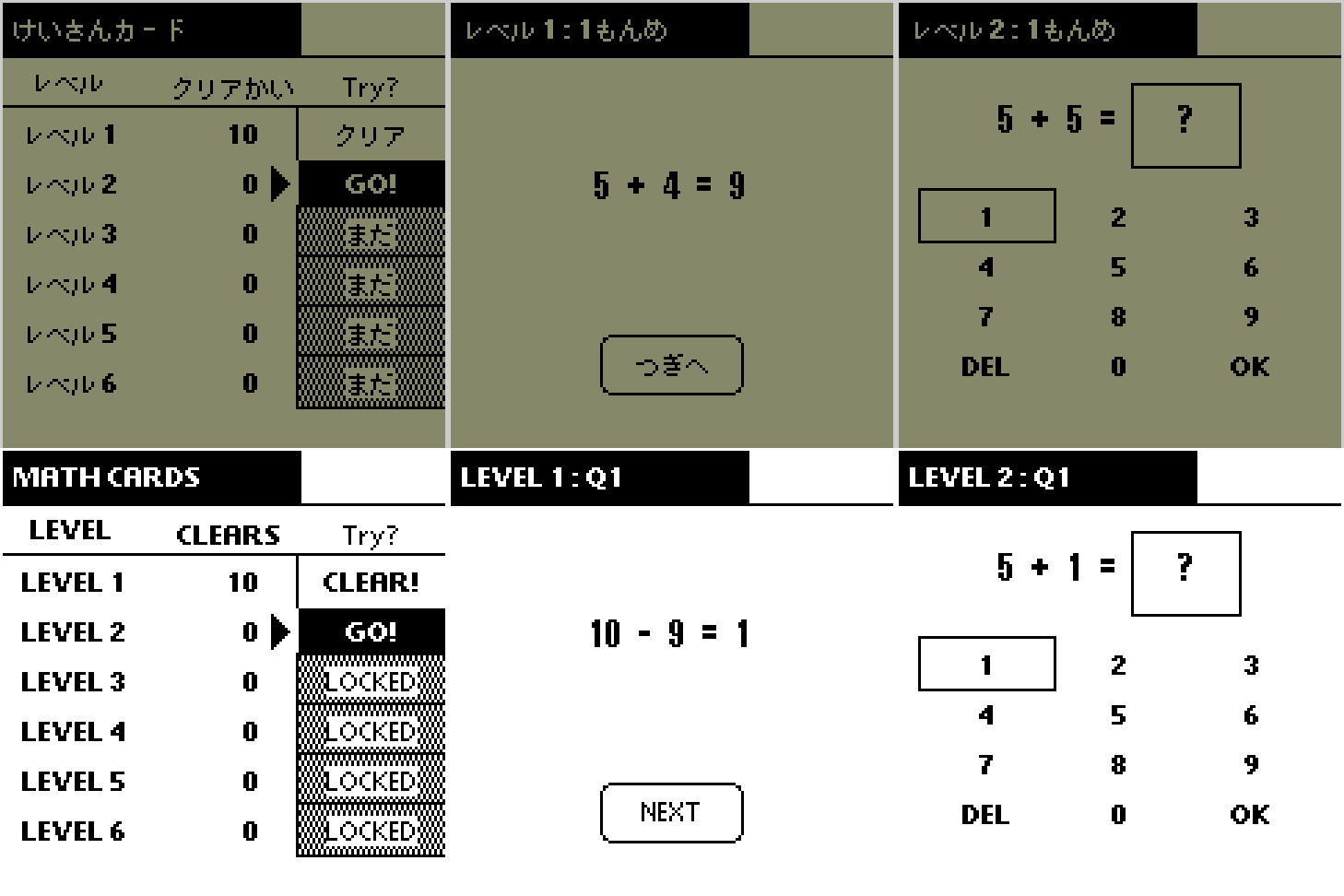
Keisan Card (けいさんカード) turns first-grade addition and subtraction practice into short, ten-card sessions for classic Palm OS handhelds. Children begin by reading complete equations, then move on to answer and missing-number quizzes with a simple on-screen keypad.
Learn, Then Solve
The six levels combine two number ranges with three ways to practice:
| Levels | Practice |
|---|---|
| 1 and 3 | Read complete addition and subtraction equations |
| 2 and 4 | Enter the answer |
| 5 and 6 | Enter the missing number in the equation |
Levels 1, 2 and 5 keep the addition total or the first number in subtraction between 0 and 10. Levels 3, 4 and 6 use 10 through 19. Addition and subtraction are mixed at random. Zero may appear as a number or as the answer, but no negative number or negative answer is used.
Every session contains ten cards worth ten points each. Study Levels 1 and 3 award ten points as each complete equation is shown. Quiz levels score the first answer submitted with OK. A 100-point session adds one clear, and ten cumulative clears unlock the next level. Clear counts and unlocked levels are saved; a lower score never removes progress.
What's New in 1.0.1
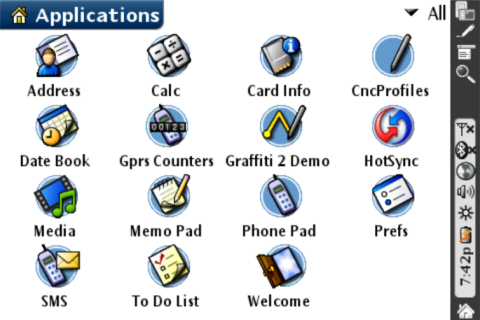
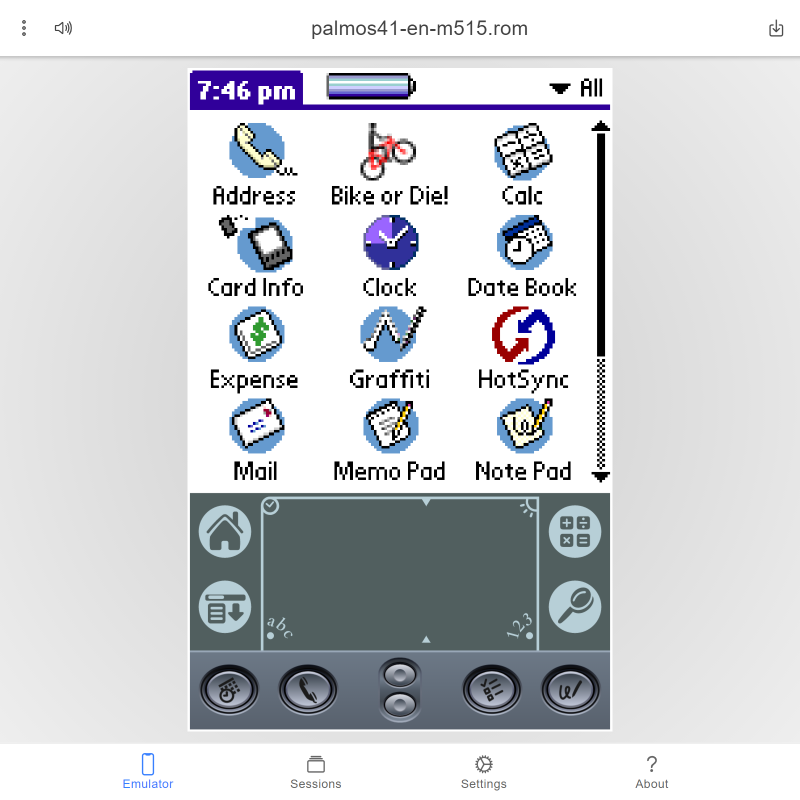
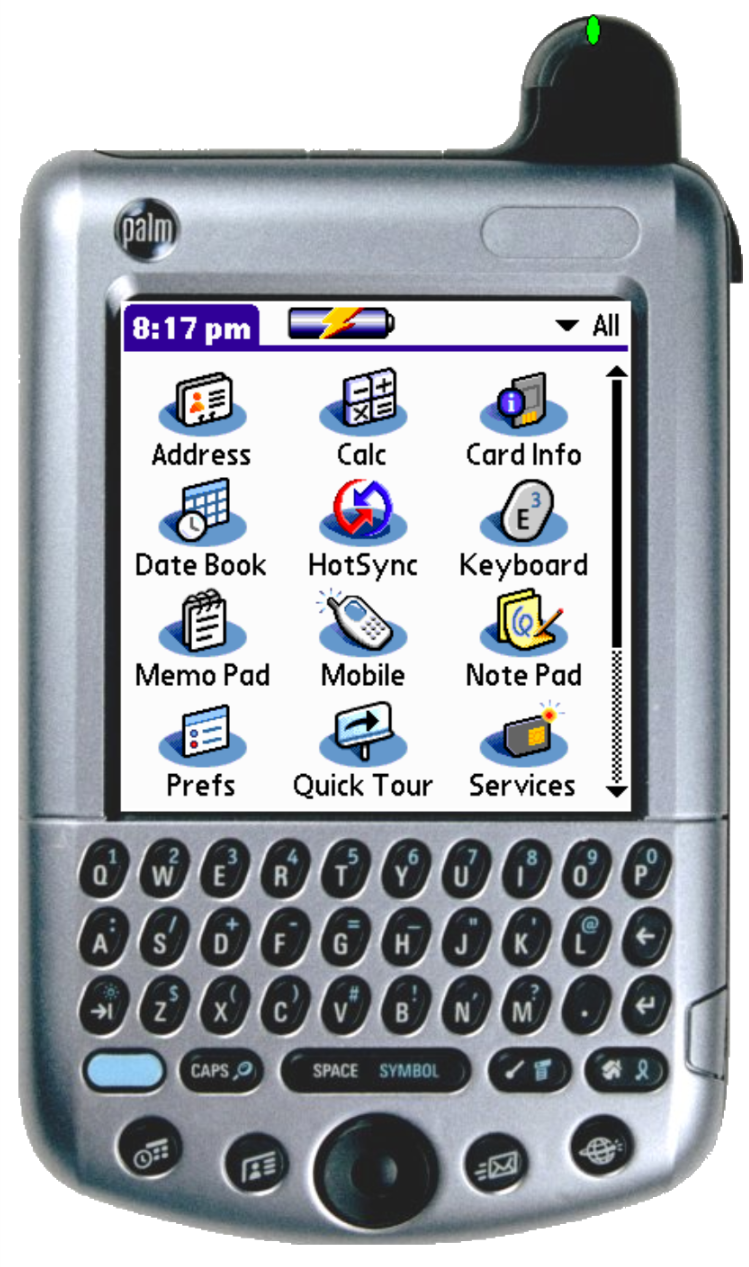
- New monochrome and color launcher artwork
- Shorter Japanese launcher name, けいさん, so it fits without truncation
- Refreshed PalmDB screenshots
- No gameplay or saved-progress format changes from 1.0.0
Features include:
- A large on-screen keypad with
0–9,DELandOK - Touchscreen and Palm hardware-button controls
- Built-in hardware-key help
- Palm OS system sounds with a mute option
- Saved clear counts and unlocked levels
- Japanese screen text on compatible Japanese systems, with an English fallback
- No registration code or external Palm libraries required
Two otherwise identical builds are provided. The JP build uses the compact launcher name けいさん; the EN build uses Keisan Card. Install only one, because both builds share the same Palm application identity and saved progress.
Compatibility
| Device: | All |
| OS: | 3.03.54.05.05.4 |
- Palm OS 3.1 or later
- Standard 160×160 Palm OS display
- 68K Palm OS application
- Monochrome application interface
- Monochrome and color launcher artwork
- Designed to support the Handspring Visor Deluxe
Download
| Version | File | Size |
|---|---|---|
| 1.0 | KeisanCard_1.0.0.zip | 20K |
| 1.0.1 | KeisanCard_1.0.1.zip | 20K |
Install either the Japanese-launcher or English-launcher PRC. Version 1.0.1 can be installed over 1.0.0 while retaining saved progress.







comments